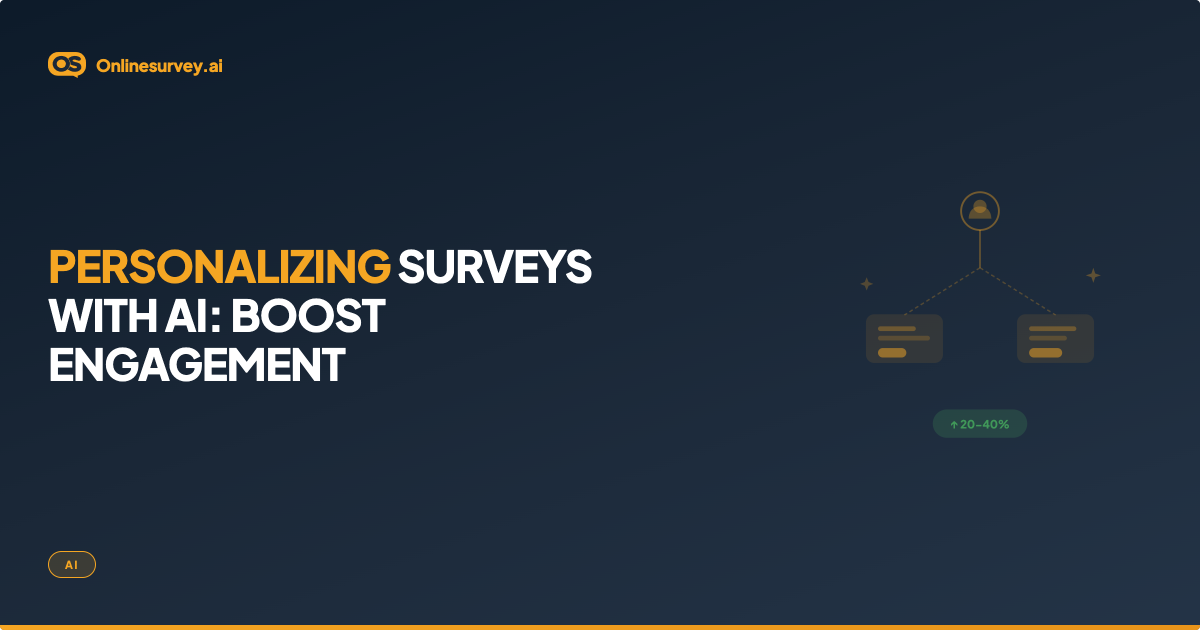
A personalized AI survey adapts its questions dynamically based on each respondent's prior answers, behavioural data, and real-time sentiment — going further than traditional skip logic, which only routes respondents based on pre-set rules. AI personalization can generate contextual follow-up questions on the fly, prioritise questions based on detected frustration or engagement, skip entire question blocks that are irrelevant to a specific user profile, and adjust question wording to match the respondent's context. The result is a shorter, more relevant survey that produces higher-quality data.
Skip Logic vs AI Personalization: The Core Distinction
Many survey platforms market conditional logic as "personalization." These are meaningfully different capabilities — and confusing them leads to mismatched tool selection.
| Feature | Traditional Skip Logic | AI-Powered Personalization |
|---|---|---|
| How it works | Pre-defined if/then rules: if Answer = X, show Question Y | AI adapts based on response content, sentiment, user behaviour, and patterns |
| Question routing | Fixed paths defined at build time | Dynamic paths generated at response time |
| Follow-up questions | Pre-written, rule-triggered | AI-generated based on open-text content and sentiment |
| Behavioural data | Not used | CRM data, usage history, subscription tier inform question set |
| Question wording | Static | Can adapt tone, examples, and framing to respondent context |
| Detects sentiment | No | Yes — adjusts follow-up depth based on frustration or satisfaction signals |
| Learns across respondents | No | Yes — identifies high-drop-off questions and flags them for review |
| Requires developer setup | Sometimes | No — AI configures logic from your stated research goal |
| Best for | Simple branching surveys | Research with diverse audiences where relevance drives data quality |
The practical implication: Skip logic prevents routing respondents to irrelevant sections. AI personalization makes each question feel like it was written specifically for that respondent — because in some cases, it was.
The 5 Ways AI Personalises Survey Experiences
1. Dynamic Question Paths Based on Prior Answers
Traditional skip logic requires you to anticipate every possible routing scenario at build time. AI extends this by reading the content and sentiment of open-text answers — not just the selection of a multiple-choice option — and adjusting the question path accordingly.
Example: A respondent rates their onboarding experience 4/10 and writes "the setup process was confusing." AI detects the friction theme in the open-text and routes to setup-specific follow-up questions rather than the generic satisfaction follow-ups intended for a 4/10.
2. Behaviour-Based Personalization
AI-native survey platforms can connect to CRM or product analytics data to tailor surveys before the first question appears. The survey a power user sees after six months is fundamentally different from the one a new user sees on day 7 — not just routed differently, but starting from different questions.
Data inputs that drive behaviour-based personalization:
- Feature usage history (which features has this user used?)
- Subscription tier or plan type
- Time since sign-up or last interaction
- Previous survey responses (what did they say three months ago?)
- Support ticket history (have they raised issues recently?)
3. AI-Generated Contextual Follow-Up Questions
This is the capability furthest from what traditional skip logic can do. When a respondent writes a substantive open-text answer, AI can generate a follow-up question specific to what they wrote — asking for clarification, an example, or a severity rating on the specific issue they mentioned.
Without AI: Your survey has a static open-text box that ends the question block. Respondents write freely but cannot be probed further.
With AI: The platform reads the response in real time and generates one targeted follow-up: "You mentioned that onboarding took longer than expected — was the main issue the documentation, the technical setup, or the time to get your team aligned?" This turns a single data point into a richer insight.
4. Automated Respondent Segmentation and Routing
AI classifies respondents into segments automatically based on their early responses — then routes them to the question set most relevant to their profile. Segments might be: new customers, power users, inactive users, enterprise accounts, or support escalations.
Why this matters: Without automated segmentation, you either ask everyone every question (creating irrelevant experiences) or manually build separate surveys for each segment (creating management overhead). AI segmentation solves both problems.
5. Smart Question Prioritisation and Drop-Off Detection
AI tracks where respondents disengage or abandon a survey — and surfaces this as a signal that specific questions are causing friction. Over time, the platform recommends removing or rewriting high-drop-off questions, and can reprioritise question order to place the most important questions earlier (so they are answered even if a respondent abandons midway).
Impact of Personalization on Survey Quality
| Metric | Generic Survey | Personalised AI Survey | Why the Difference |
|---|---|---|---|
| Completion rate | 40–60% typical | Higher — fewer irrelevant questions reduce abandonment | Relevance is the primary driver of completion |
| Open-text response quality | Often brief | More substantive — AI follow-ups prompt specificity | Probing follow-ups encourage more detailed answers |
| Time to complete | Fixed (same for all) | Shorter — unnecessary questions removed per respondent | Shorter surveys are completed more carefully |
| Data usability | Mixed — some responses off-topic | Higher — questions are contextually matched | Relevant questions produce usable answers |
| Respondent satisfaction | Lower for long surveys | Higher — respondents feel the survey "gets" them | Personalisation signals respect for respondent's time |
Note: Impact varies by industry, audience, and survey design. These are directional patterns, not universal guarantees. Measure your own completion and response quality metrics to verify impact in your context.
Personalized AI Survey by Use Case
SaaS and Product Teams
Scenario: Monthly NPS survey sent to all users.
Without personalization: Every user gets the same 10 questions regardless of plan, usage, or previous feedback.
With AI: New users (< 30 days) see onboarding-focused questions. Power users see feature depth and workflow questions. Inactive users see re-engagement questions. Each segment's data is analysed separately, producing segment-specific insights rather than one blended score.
Customer Success and CX
Scenario: Post-support CSAT survey sent after every ticket close.
Without personalization: Standard 3-question CSAT sent to everyone.
With AI: Respondents who rated the interaction 1–3 receive an AI-generated follow-up probing the specific failure — was it response time, resolution quality, or agent knowledge? High scorers receive a shorter 2-question survey. The AI segments results by issue type, surfacing which failure modes are most common.
HR and People Teams
Scenario: Quarterly employee engagement pulse survey.
Without personalization: All employees receive identical questions regardless of role, department, or tenure.
With AI: Questions adapt by tenure (new hires focus on onboarding and culture; long-tenured employees focus on growth and recognition), by role (individual contributors vs managers see different leadership questions), and by department (remote-first teams see collaboration tool questions; on-site teams see workspace questions).
Market Research
Scenario: Consumer preference survey across a diverse panel.
Without personalization: Long survey with many irrelevant questions, high drop-off in the middle.
With AI: Early screening questions classify respondents into profiles. Each profile receives a question set relevant to their category — eliminating 30–40% of questions as irrelevant per respondent, improving completion rates across the full panel.
Privacy and Consent in Behaviour-Based Survey Personalization
Using behavioural data to personalise surveys creates privacy obligations that do not apply to generic surveys.
What to disclose:
If you are using CRM data, usage history, or previous survey responses to personalise questions, state this in your survey introduction: "This survey adapts based on your account activity to ask only the most relevant questions."
If you are storing AI-generated follow-up questions (which were not written in advance), confirm your data processing agreement covers AI-generated content.
What to avoid:
Do not use behavioural data to ask questions that feel intrusive or surveillance-like: "We noticed you haven't logged in for 47 days — why not?" feels invasive, even if the data is accurate.
Do not personalise using sensitive data categories (health, financial data) without explicit consent and appropriate legal basis under GDPR.
The personalisation trust principle: Personalisation that makes a survey shorter and more relevant is perceived positively. Personalisation that demonstrates you are monitoring respondent behaviour in unexpected ways reduces trust and honesty. The best AI personalization is felt, not noticed.
How to Set Up a Personalized AI Survey: 6 Steps
Step 1: Define your research goal and respondent segments
Write your primary research objective. Identify whether your respondent pool has meaningfully different subgroups that should see different questions (new vs returning customers, different plan tiers, different departments). If segments are similar, personalization adds complexity without proportional benefit.
Step 2: Connect your data sources
In your survey platform, connect CRM data, product analytics, or previous survey response data. Map each data field to a respondent attribute that will drive question routing (plan tier, days since sign-up, previous NPS score, last feature used).
Step 3: Build your question library by segment
Write the question sets for each segment — not one question set with branching, but distinct question libraries per respondent type. AI will select and sequence from this library based on respondent profile and live responses.
Step 4: Configure AI personalization rules
Set the rules that govern which questions appear: which segments trigger which question libraries, what response sentiment thresholds trigger AI-generated follow-ups, and what drop-off patterns should trigger reordering.
Step 5: Test across respondent profiles
Run test surveys simulating each respondent profile. Verify that a new user, a power user, and an inactive user each receive an appropriate and distinct experience. Check that AI-generated follow-ups are coherent and relevant, not generic.
Step 6: Monitor and iterate
Review drop-off rates by question and by segment after the first wave. AI personalization improves with data — the more responses the system analyses, the better it identifies which questions drive engagement and which cause abandonment.
How onlinesurvey.ai Handles Survey Personalization
onlinesurvey.ai is built as an AI-native survey platform where personalization is embedded in the design process, not bolted on as a feature.
At the design stage:
- Describe your research goal and target audience — the AI builds a question set tailored to your stated segments, not a generic template
- AI flags leading questions, double-barrelled questions, and questions that are likely to cause drop-off before you launch
During data collection:
- Dynamic question paths adapt based on prior answers and detected sentiment in open-text responses
- Questions irrelevant to a respondent's profile are automatically excluded
At the analysis stage:
- AI-generated narrative reports segment findings automatically by respondent type
- Open-text responses are themed, sentiment-scored, and summarised — so personalised collection is matched by personalised analysis
Privacy commitment: Respondent data is never sold or used to train external AI models. Personalisation logic runs within your account using your data.